APPLICATION FUNCTIONALITY
MOBILE GEO-LOCATIONS
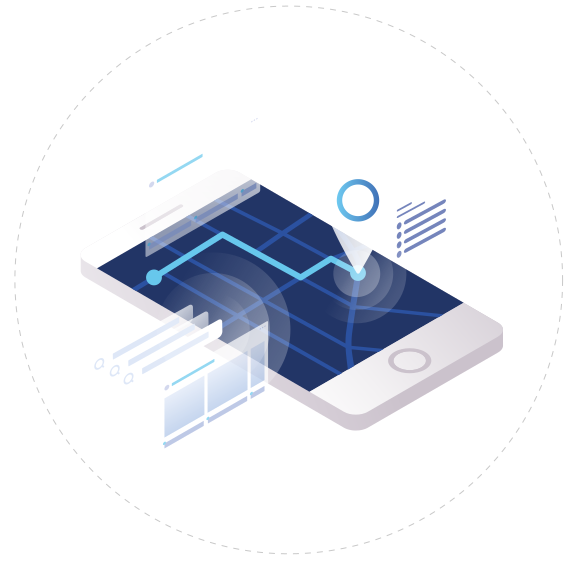
The Zativsy application transmits a latitude-longitude location from the user’s device at durations chosen at a company level.
CUSTOMISED ENGAGEMENT FORMS
The business can generate an engagement form suited to your company needs, products and services. These forms include functionality that enables workflow to route questions based on previous answers.
IMMEDIATE DATA AVAILABILITY
The captured data uploads in real-time to the Zativsy central cloud-based server. This data can then be downloaded from the server via an API or Microsoft Excel.
ADDRESS UPDATES FROM GOOGLE
The user’s geolocation is tracked in the backend through Google Maps. The exact location can be verified by clicking on the map on the Zativsy application which shows the recorded co-ordinates.
IN-APPLICATION SIGNATURE
The application allows the customer to sign directly on the application when the user visits their business.
DOCUMENT SCAN
Documents can be scanned utilising the Adobe application on the user’s mobile device and then uploaded to the database.
MEETING SETUP
Meetings between the user and customer can be set up utilising the Zativsy application. A meeting request confirming date, time and location will be sent to the user from the system which can then be confirmed by the customer.
APP PERFORMANCE DASHBOARD
The user has a graphic view of their number of Engagements versus the average of their peers over past three months on the app. This provides an incentive to improve productivity
MONITORING
TIME AT OFFICE
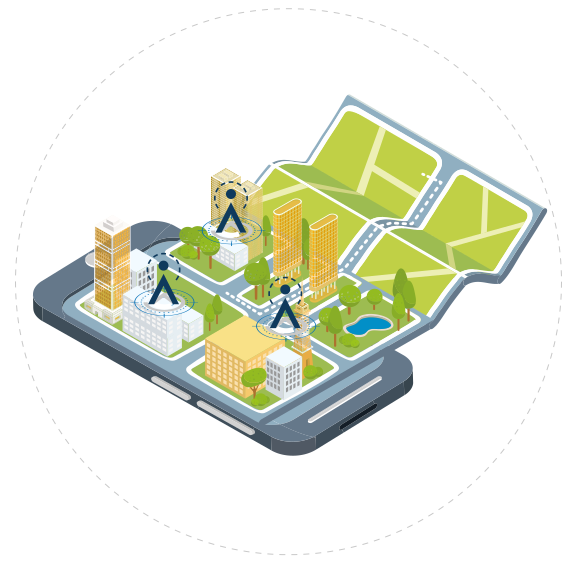
Two offices (possibly your business’s premises and a remote office) can be specified at a user level. The system will register how much time a user spends time within 100m of these locations.
TIME AT CUSTOMER
Customers’ co-ordinates can be zoned and pre-mapped so that when a user spends more than 5 minutes within 100m of the customer locality, it registers that the user visited the customer.
TIME DRIVING
The system will denote the time versus speed at which the mobile device is travelling. When the user is travelling at more than 7km per hour then the application will automatically detect this as “time driving”.
UNACCOUNTED FOR TIME
The application can monitor time that falls outside of the other measures while the application is still active. This time excludes “time at customer”, “time at office”, “time driving”, “time on leave”, and so on.
NUMBER OF ENGAGEMENTS
The system has the ability to track the number of engagements that have been completed through customer visits as well as provide a platform to input important customer data.
CUSTOMERS AND PROSPECTS ON MAP
The system allows the user to show the location of customers and prospects on the map on the app to enable the user to locate customers in an area
TIME APP ON/OFF
Daily expected working hours are registered at a company level. The Zativsy application monitors the time when the user clocks in and out of work at the designated start and finish time. The work-time expected from a day versus the time that the application was not transmitting a location is regarded as “time app off”.
TIME OUT FOR USER
The user can opt out of being tracked during working hours and this time will be recorded as Time Not Tracked.
TIME ON LEAVE
The user has the capability to switch the application to “leave mode” when company-approved leave is given. The system will stop recording the user’s location and will record the time as being on leave.
WEB MANAGEMENT
ENGAGEMENT DASHBOARD
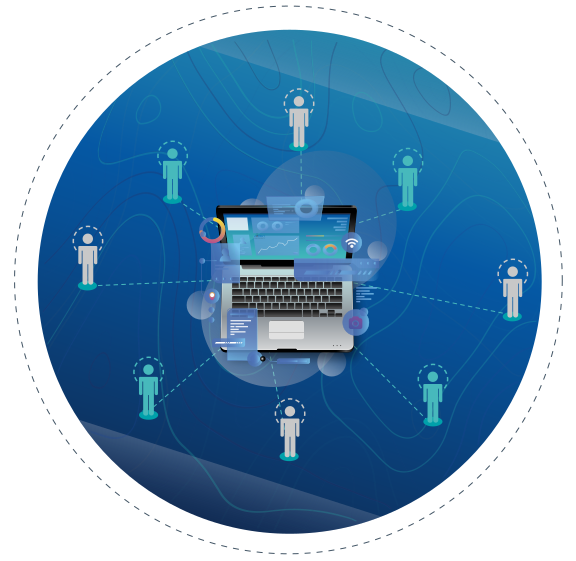
The dashboard provides an overview of the team’s
performance, on an individual basis ,and aggregated for
comparative purposes.
The aim is to be able to identify the habits of the
successful users in order to pass on the rest of the team.
MAPPING